One of the most common questions before starting an automation project isn’t “how do we automate this?” — it’s “which spreadsheet should we even be automating?” Both Excel and Google Sheets can handle serious automation, but they’re genuinely different tools under the hood, and the right choice depends more on how your team works than on which one is “better.”
Here’s a practical, no-hype comparison to help decide.
The Short Answer
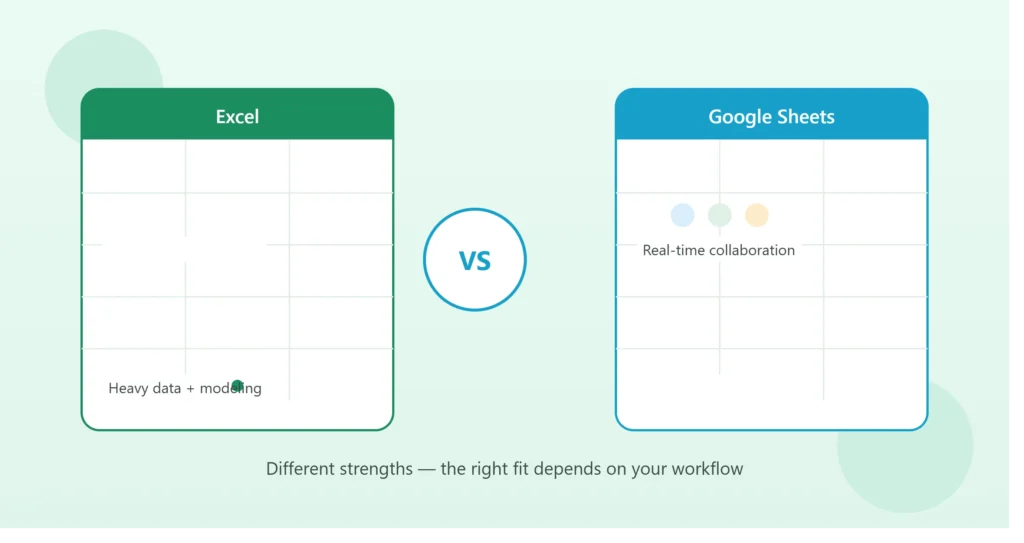
If your team needs real-time collaboration and easy integration with cloud CRMs and web tools, Google Sheets usually wins. If you need heavier data processing, complex modeling, or you’re already deep in the Microsoft ecosystem, Excel usually wins. Most businesses land clearly on one side once they look at how they actually work day to day — the comparison below explains why.
Automation Capabilities
Excel automates primarily through VBA (Visual Basic for Applications) and Power Query. VBA is powerful and mature — it can control almost every part of Excel, run complex logic, and interact with other Windows applications. Power Query, meanwhile, is excellent at pulling and transforming data from multiple sources (databases, other files, APIs) before it ever hits your worksheet.
Google Sheets automates through Google Apps Script, a JavaScript-based platform that runs in the cloud. Because it’s cloud-native, it’s particularly strong at things like scheduled triggers, sending emails, and connecting to other Google services (Gmail, Calendar, Drive) — plus it works well with third-party automation tools like Zapier.
In practice: if your automation is mostly about crunching numbers and complex calculations, Excel/VBA tends to be more capable. If it’s about connecting to other cloud tools, running on a schedule without your computer being on, or triggering off form submissions, Apps Script has the edge.
Real-Time Collaboration
This is where the gap is largest. Google Sheets was built from the ground up for multiple people editing the same file simultaneously — you can watch a colleague’s cursor move and see their edits appear in real time, with no file-locking or version conflicts.
Excel has improved here significantly (co-authoring via Microsoft 365 works reasonably well now), but it’s still generally considered less smooth than Sheets for teams working in the same file at the same time, especially across different companies or outside a single organization’s Microsoft 365 tenant.
If your team frequently needs several people editing the same tracker at once — especially people outside your own company — Google Sheets is usually the easier experience.
Integration with CRMs and Web Tools
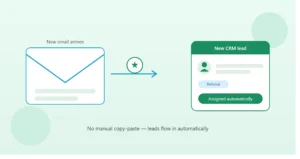
Most modern CRMs (Bonzo, GoHighLevel, HubSpot, and others) and automation platforms (Zapier, Make) integrate more natively and easily with Google Sheets, since both are cloud-based and API access tends to be more straightforward to set up.
Excel can absolutely be integrated with these tools too — but it usually requires either Microsoft’s own automation tools (Power Automate) or a slightly more involved setup, since Excel files are traditionally desktop-based unless you’re specifically using Excel Online / OneDrive.
If your workflow depends heavily on syncing data from a CRM automatically, Google Sheets tends to require less setup friction.
Handling Large or Complex Data
Here Excel has a genuine edge. It’s generally faster and more stable with very large datasets, complex nested formulas, and heavy financial modeling. Power Query and Power Pivot, in particular, give Excel strong capabilities for handling and transforming large volumes of data that would slow Google Sheets down noticeably.
If your automation involves processing large amounts of data, complex multi-step calculations, or detailed financial models, Excel is usually the more capable and reliable platform.
Accessibility and Cost
Google Sheets is free with any Google account and works in any browser — no installation required. This makes it easy to share access with clients, partners, or contractors who don’t have (or want) a Microsoft license.
Excel requires a Microsoft 365 subscription for full functionality (though a free web version exists with reduced features). For teams already paying for Microsoft 365 — often the case in larger or more established businesses — this isn’t a meaningful extra cost. For a solo operator or small team not otherwise invested in the Microsoft ecosystem, Google Sheets removes a barrier to entry.
A Practical Way to Decide
Ask these three questions:
- Does your team already live in Google Workspace or Microsoft 365? Staying within your existing ecosystem usually reduces friction more than any feature comparison.
- Do multiple people need to edit the same file simultaneously, especially people outside your organization? If yes, lean Google Sheets.
- Does the automation involve heavy calculation, large datasets, or complex financial modeling? If yes, lean Excel.
Most businesses find that these three questions point clearly in one direction. It’s less common than you’d think to be genuinely torn between the two once you look at actual daily usage patterns rather than abstract feature lists.
You Don’t Always Have to Choose Just One
It’s also worth knowing that Excel and Google Sheets aren’t mutually exclusive. Some businesses run their core operational tracker in Google Sheets (for easy CRM syncing and collaboration) while pulling that data into Excel periodically for heavier financial modeling or reporting that Excel handles better. This isn’t the right setup for everyone, but it’s a legitimate option when different parts of your workflow have genuinely different needs.
Bottom Line
There’s no universally “better” platform — only a better fit for how your specific team and workflow operate. The good news is that most of the automation concepts covered on this blog — pipeline tracking, CRM syncing, dashboard building — apply to both platforms with only minor adjustments in execution.
If you’re not sure which platform makes sense for your situation, book a free 15-minute call and we can walk through your current workflow to figure out the right fit before building anything.